
Microsoft 365 Copilot – Your AI-Powered Work Assistant
Smarter Work. Simpler Processes. Stronger Outcomes.

Why Choose Microsoft 365 Copilot
Microsoft 365 Copilot is more than just AI—it’s built for your business.

Grounded in your data — seamlessly integrates with your content, context, and permissions through Microsoft Graph.
Secure by design: Your data stays within your Microsoft 365 tenant and is never used to train public AI models.
Always up to date — stays connected to your live files, messages, and workflows for real-time accuracy
What You’ll Need to Get Started
To deploy Microsoft 365 Copilot, ensure your organization has:
-
Microsoft 365 Licensing: E3/E5 or Business Standard/Premium (plus Microsoft 365 Copilot add-on)
-
Modern Apps: Latest desktop apps for Word, Excel, PowerPoint, Outlook, and Teams
-
Cloud Storage: OneDrive and/or SharePoint Online for file access
-
Identity & Access: Azure Active Directory with role-based permission
-
Regional Availability: Rollout is phased; check with us for your region’s status
Microsoft 365 Copilot Key Capabilities
It becomes a proactive, intelligent assistant
-
Word – Draft documents, rewrite sections, summarize reports, and refine tone
-
Excel – Analyze trends, create complex formulas, automate pivot tables, and explain calculations
-
Outlook – Summarize email threads, draft replies, prioritize messages, and improve clarity
-
Teams – Summarize meetings, generate action items, and extract insights from chats/files
-
PowerPoint – Turn documents into presentations, design slides, and create visuals from prompts
-
Microsoft 365 Chat – Query across your organization’s files, meetings, emails, and calendar events
Microsoft 365 Copilot Service Offerings

Microsoft 365 Copilot Readiness & Licensing Advisory
We assess your Microsoft 365 environment, security, and workflows to ensure Microsoft 365 Copilot readiness while guiding you on the best licensing model for your business.
Governance, Security & Data Management
We ensure data security and governance through role-based access, compliance controls, and adherence to Microsoft’s Responsible AI principles.


Deployment & Technical Configuration
Our experts configure, enable, and secure Microsoft Copilot across your Microsoft 365 apps, ensuring proper data grounding and tenant-wide AI access.
Microsoft 365 Copilot Studio & Custom Agent Development
We design tailored Microsoft 365 Copilot solutions with custom agents, integrations, and industry-specific AI assistants to fit your unique business needs.


Change Management & User Adoption
Through training, pilot programs, and AI champions, we drive user adoption and establish a strong foundation for long-term Microsoft 365 Copilot success.
Ongoing Support & Optimization
We provide continuous monitoring, optimization, and governance updates to keep your Microsoft 365 Copilot deployment aligned with Microsoft’s evolving roadmap.

Industry-Specific Use Cases
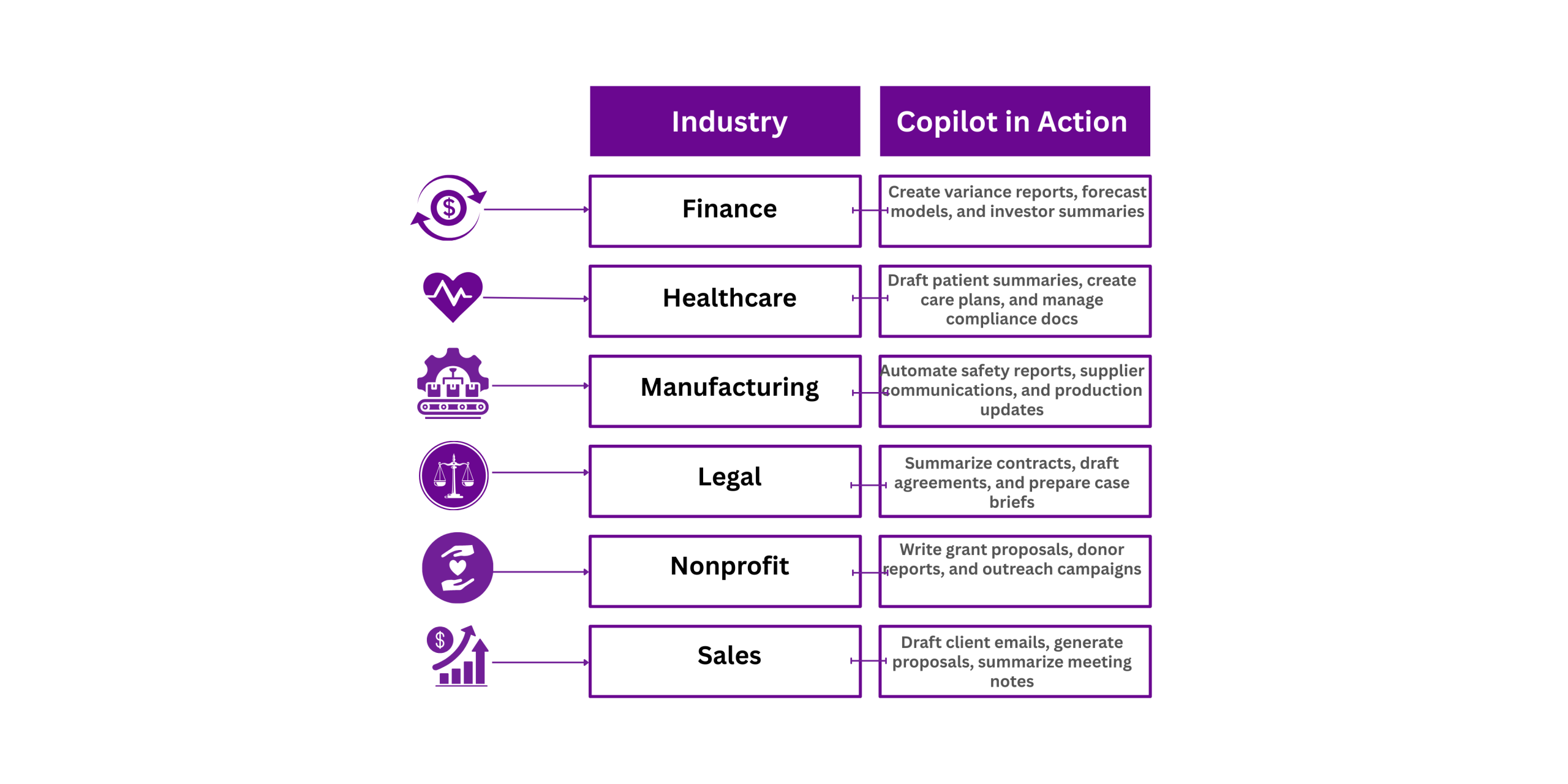
| Industry | Copilot in Action |
|---|---|
| Finance | Create variance reports, forecast models, and investor summaries |
| Healthcare | Draft patient summaries, create care plans, and manage compliance docs |
| Manufacturing | Automate safety reports, supplier communications, and production updates |
| Legal | Summarize contracts, draft agreements, and prepare case briefs |
| Nonprofit | Write grant proposals, donor reports, and outreach campaigns |
| Sales | Draft client emails, generate proposals, summarize meeting notes |
Why Microsoft 365 Copilot is Different
- Grounded in Your Business Data - Works with your content, context, and permissions through Microsoft Graph
- Secure by Design – Data never leaves your Microsoft 365 tenant; it's not used to train public Al models
- Always Up to Date - Connected to your live documents, messages, and workflows for real-time accuracy
Security & Compliance Assurance
We understand security is non-negotiable. With Microsoft 365 Copilot:
- Data remains within your tenant boundary
- Uses your existing Microsoft 365 security framework (including Conditional Access, DLP, and eDiscovery)
- Complies with ISO 27001, SOC 2, GDPR, and industry-specific regulations
- Aligns with Microsoft's Responsible Al principles
Frequently Ask Questions:
No. Your data remains private and secure within Microsoft 365 and is never used to train public AI models.
Yes—through Copilot Studio, Microsoft Graph connectors, and Power Platform integrations
What’s the difference between Microsoft 365 Copilot for Microsoft 365 and Microsoft 365 Copilot Pro?
Copilot Pro is for individual Microsoft 365 Personal/Family plans, while Copilot for Microsoft 365 integrates into enterprise-grade Microsoft 365 apps with organizational data grounding.